A small skincare brand runs Meta ads by hand. Every Monday, the founder checks spend, pauses weak ads, and moves budget around. It works, but it eats half a day each week. The question is not whether AI marketing is “better.” It is how much of that weekly routine the founder should hand over, and what they should keep.
Shopify’s Campaign Autopilot is built to take over much of that routine from inside the admin. This comparison of Shopify Campaign Autopilot vs manual campaigns looks at control, budget, creative, reporting, and team capacity so you can choose a sensible split. If you are new to running campaigns from your store, you can explore Shopify’s marketing tools alongside this guide.
What Campaign Autopilot Does
Campaign Autopilot is an AI tool in the Shopify admin that runs digital marketing across several channels and manages some SEO updates.
Channels it can run
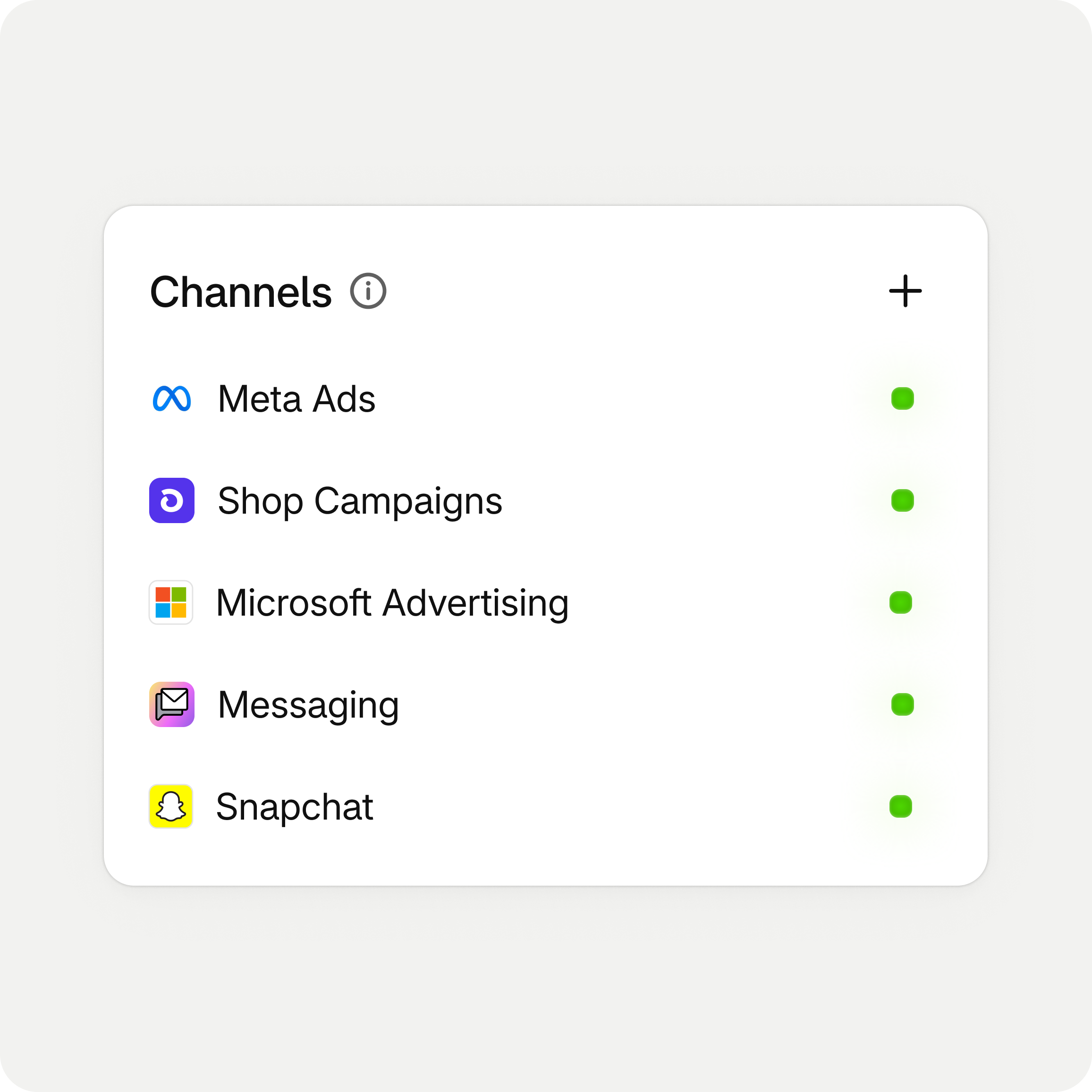
Shopify’s announcement lists Meta Ads, Microsoft Advertising, Snapchat, Shop Campaigns, and Shopify Messaging automations such as abandoned cart and abandoned browse emails. Shop Campaigns are noted as available in the US and Canada, and channel availability varies by location (Source: Shopify Blog).
How budget works
You set a monthly budget target, and Autopilot allocates it across connected channels, shifting spend toward channels that perform better. You can reject recommendations, change the budget, or pause at any time.
What it costs
Shopify states that Autopilot is free for brands on paid Shopify plans, with merchants paying only for ad spend and messaging costs. There is no separate fee for the tool itself.
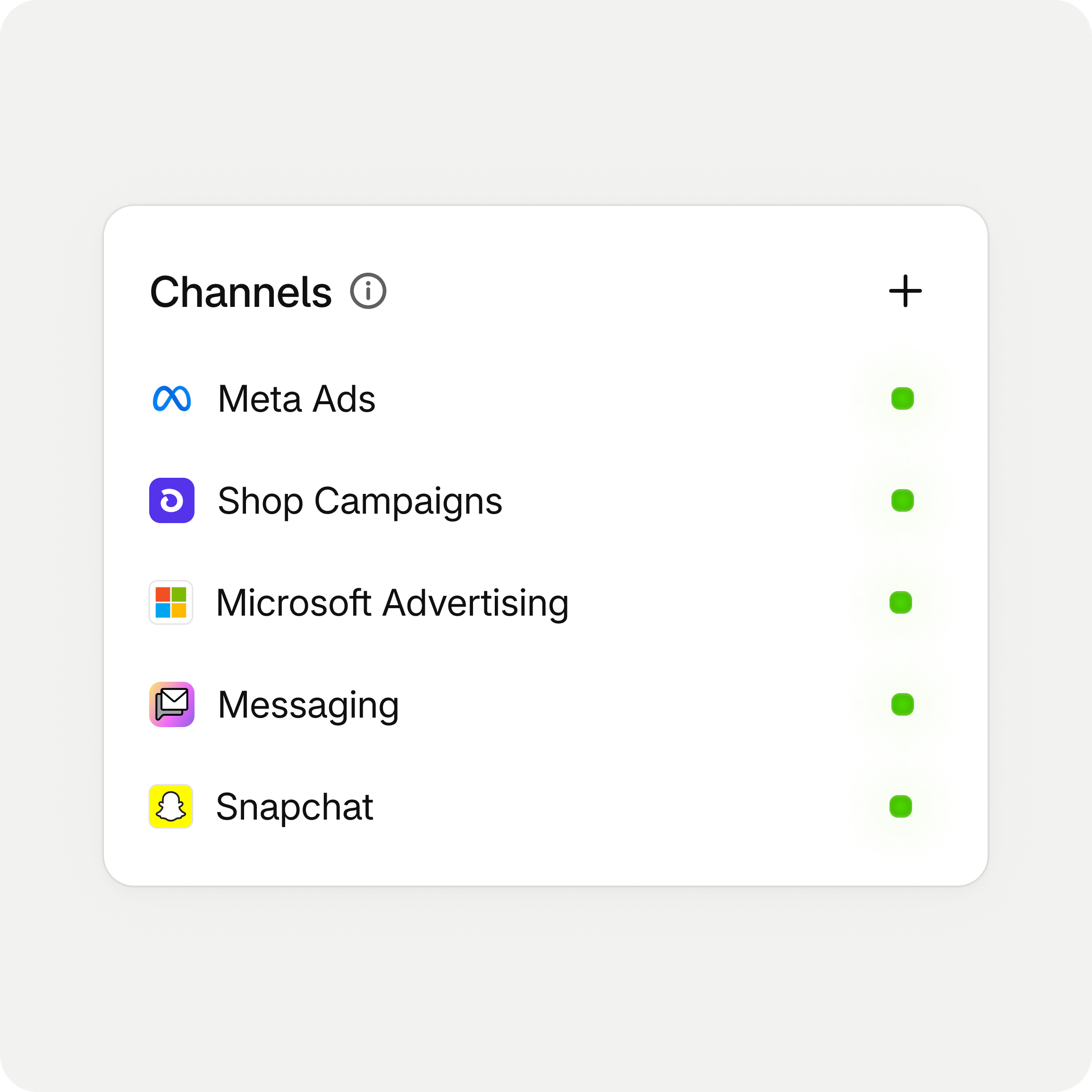
Image source: Shopify Blog.
What Manual Campaigns Still Offer
Running campaigns yourself, or through an agency, gives you control that automation trades away.
Full creative direction
Manual campaigns let you write custom hooks, build seasonal creative, and test specific angles. Shopify notes that Autopilot uses your existing product images and catalog rather than generating new AI creative.
Precise audience and placement choices
Experienced advertisers often rely on custom audiences, exclusions, and placement rules they have refined over time. Those settings stay exactly as you configure them in a manual setup.
Existing campaign history
Shopify says Autopilot creates separate campaigns and does not modify your existing Meta or Shop campaigns. If you have well-performing manual campaigns, they keep running independently.
Side-by-Side Comparison
The right choice depends on what you value most and what your team can realistically manage.
| Factor | Campaign Autopilot | Manual campaigns |
|---|---|---|
| Setup time | Low, from the Shopify admin | Higher, per ad platform |
| Budget allocation | Automated across channels within your target | You decide each channel’s budget |
| Creative | Uses existing product images and catalog | Fully custom |
| Approval | Can require approval of every campaign | Every change is yours |
| Tool cost | No separate fee on paid plans, ad spend applies | Your time or agency fees, plus ad spend |
| Best fit | Lean teams, catalog-driven products | Brands with strong creative or complex targeting |
How Much Control Should You Give AI?
Most stores land somewhere in the middle, and Autopilot is designed to support a gradual handover.
Start with approval on every campaign
Shopify explains that merchants can require approval for every campaign before it runs, then give Autopilot more autonomy as campaigns mature. This is a sensible starting point for most brands.
Set guardrails before increasing budget
Define what Autopilot can and cannot do, such as budget limits and which channels to use. Increase the monthly target only after you have seen at least a few weeks of results.
Expect a learning period
Shopify notes that Autopilot needs time to learn which audiences, channels, and ads work for a store, and it does not guarantee specific results. Avoid judging it on the first week, especially during unusual traffic periods.
Partnered with Shopify: This guide includes Shopify links for merchants comparing built-in marketing automation with manual campaign management.
Decision Guide by Business Stage
Your stage and team size are often better guides than general opinions about AI.
New stores with no ad history
If you have never run paid ads, Autopilot can get campaigns live quickly with sensible defaults. Keep the budget modest and use approval mode to learn what it recommends.
Growing stores with a part-time marketer
A hybrid often works best. Let Autopilot handle always-on catalog campaigns and email automations, while your marketer runs manual seasonal campaigns with custom creative.
Established brands with an agency or in-house team
Keep proven manual campaigns running. Test Autopilot on a separate budget, such as Shop Campaigns or a new channel you have not tried, and compare results.
Image source: Unsplash.
Worked Example: A Hybrid Holiday Setup
Here is how a mid-size home goods store might split work during the holiday period.
What stays manual
The Black Friday launch campaign on Meta, with custom video and a specific gift-guide angle, stays manual. The team has tested this format before and wants full control over timing and messaging.
What goes to Autopilot
Always-on catalog campaigns, Microsoft Advertising for search-driven gift queries, and abandoned cart email automations go to Autopilot, with approval required for each new campaign.
How they review it
Every Monday, the team compares orders by channel, checks which products Autopilot is promoting, and adjusts guardrails if spend shifts toward low-margin items. This keeps human judgment on margin and brand while saving setup time.
Questions to Answer Before You Switch
A short internal review prevents most disappointing tests.
Which products should ads push?
Write down the products you actually want to grow, ideally ones with healthy margin and reliable stock. If a bestseller is about to sell out, promoting it harder only creates backorders and frustrated shoppers.
Share this list with whoever reviews Autopilot’s recommendations, so approvals are judged against a clear goal rather than gut feeling.
What does success look like in 30 days?
Pick two or three measures before you start, such as orders from new customers, blended cost per order, and contribution after ad spend. Without a target, any result can be read as a win or a loss.
Who reviews and how often?
Automation still needs an owner. Decide who checks results weekly, who can change the budget, and who approves new campaigns. A clear owner stops the tool from running unchecked during busy weeks.
The SEO Side of Autopilot
Campaign Autopilot also covers organic visibility, which is easy to overlook when comparing it with ad management.
Product metadata suggestions
Shopify says Autopilot analyzes the store and suggests product metadata changes. These suggestions can save time on large catalogs where titles and meta descriptions have been neglected.
Review before applying
Shopify notes that SEO changes require your review and approval. Check that suggested titles keep your brand voice, stay accurate, and do not conflict with product names used in ads or emails.
Keep manual control of key pages
For your highest-traffic collections and products, consider keeping SEO edits manual and letting Autopilot handle the long tail. You can manage product SEO fields in Shopify either way.
Reporting and Attribution Questions
Automated campaigns still need clear measurement.
Look at orders and products, not only clicks
Shopify says Autopilot reports which channels drive orders, which products gain traction, and what underperforms. Check whether the promoted products are the ones you actually want to sell more of, such as higher-margin items.
Avoid double-counting with manual campaigns
If manual and automated campaigns target similar audiences, they may compete. Review overlap and compare total results rather than each campaign in isolation.
Watch margin, not just revenue
An automated system optimizing for orders may favor discounted or low-priced items. Review contribution after ad spend before raising budgets.
Mistakes to Avoid
Handing over control works best when you avoid a few common traps.
- Switching everything to automation right before a major sale with no baseline.
- Turning off proven manual campaigns before testing the alternative.
- Ignoring product images, which Autopilot relies on for ads.
- Raising budgets during the learning period based on a few good days.
- Forgetting to approve SEO changes carefully, since Shopify notes they require your review.
When you are ready to test, open the Growth area in your Shopify admin and start with a limited budget.

Image source: Unsplash.
Final Thoughts
Choosing between Shopify Campaign Autopilot vs manual campaigns is less about AI versus humans and more about where your team’s time adds the most value. Autopilot suits lean teams and catalog-driven, always-on campaigns, while manual work still fits custom creative and complex targeting. Start with approvals and guardrails, measure margin as well as orders, and use Shopify’s marketing tools to expand automation only when results justify it.
FAQ
Does Campaign Autopilot change my existing Meta campaigns?
Shopify states that Autopilot creates separate campaigns and does not modify existing Meta or Shop campaigns.
Is Campaign Autopilot free?
Shopify says it is free for brands on paid plans, with merchants paying for ad spend and messaging costs.
Can I approve campaigns before they run?
Yes. Shopify explains that you can require approval for every campaign and give more autonomy later.
We only recommend tools we’ve tested and trust. This post may include affiliate links, meaning we may earn a commission if you choose to purchase – at no extra cost to you.